COMMUNITY 3D PRINTING

Print parts.
Help a team
finish a build.

Choose a build, enter your printer and available time, and claim parts the team still needs.

Claim one part or several plates.
Print to the team’s requirements.
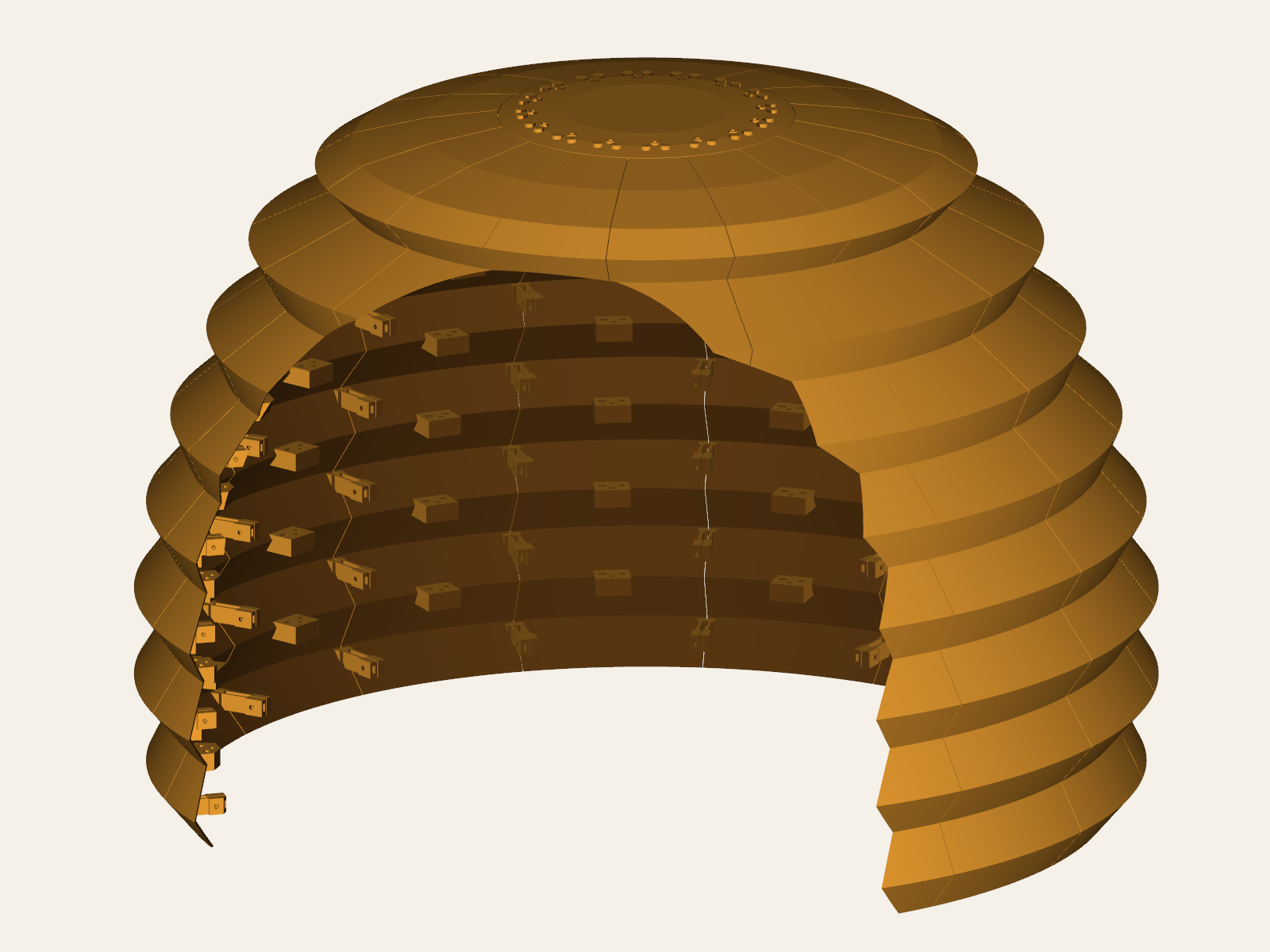
THE FIRST COMMUNITY BUILDThe complete assembled Team 15510 hive model
Team 15510’s hive110 parts in the complete model.
FULL ASSEMBLED
MODEL
AVAILABLE BUILDS

Find a build to help.

Choose a team project.

The first build is being prepared. Come back shortly.

Offer supplies, equipment, or help.

You don’t have to print to help. Offer supplies, equipment, pickups, or finishing help.

Help in other ways

Need help printing a project?

Create a build page, upload the parts, and share the link.

Create a build
THE PROCESS

How it works.

01

Choose your printer and budget.

Enter your printer’s build volume and available printing time. Set a filament budget if you need one.

02

Print and submit proof.

Download your print pack, follow the team’s settings, and send a clear photo before your reservation runs out.

03

Arrange a handoff.

Bring completed parts to practice or arrange a pickup. The team inspects them before marking them received.